How to set the projection of TV? What are the ways to put a mobile phone on TV?
How to set the projection of TV? What are the ways to put a mobile phone on TV?
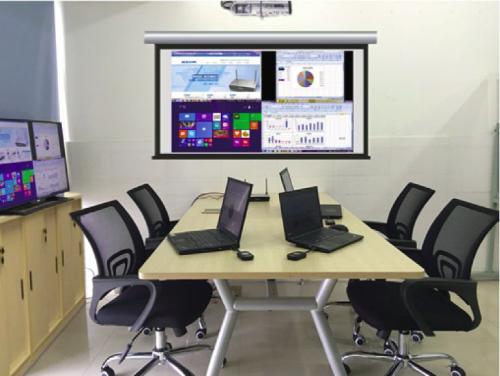
Caption: some people find that watching TV plays and movies on their mobile phones is not so addictive. Programmers have invented a way to put their mobile phones on TV. In this way, the mobile phone and the TV are synchronized, the screen size becomes larger, and the characters in the TV are more vivid and vivid. How to set the projection of TV? What are the ways to put a mobile phone on TV?
Some people find it hard to watch TV series or movies on their mobile phones, so programmers have invented a way to put mobile phones on TV. In this way, the mobile phone and the TV are synchronized, the screen size becomes larger, and the characters in the TV are more vivid and vivid. How to set up a TV screen? What are the ways to put a mobile phone screen on a TV?
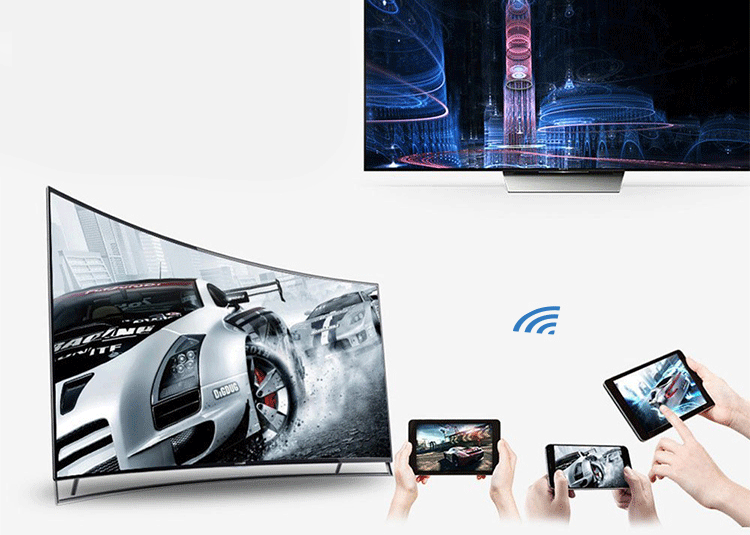
How to shoot TV
1. Start the smart TV, use the remote control operation of the TV, find the miracast under the application column, and press the confirm key to turn on the Wi Fi display function of the TV;
2. Next, open the mobile phone, enter the WLAN setting interface, press the menu key in the lower left corner of the mobile phone to pop up the menu option, find the WLAN display, and click enter;
How to set the screen projection for TV
How to set the screen projection for TV
3. After entering the WLAN display interface, click the search button at the bottom to start the search. After the search, you can see the WiFi signal sent by the TV. Click the WiFi signal to start the connection. After the establishment of the service, it will show that the service has been established;
4. After the connection is established, the content screen displayed on the mobile phone will be synchronously displayed on the TV.
How to put mobile phone on TV
1. Apple Devices
Apple device has its own "airplay image" function. Slide up from the bottom of the mobile screen to open the control panel, and click the "airplay image" option to directly see the TV name (to ensure that the smart TV miracast function is turned on). After that, click Connect to TV, and the mobile screen will be displayed.
How to set the screen projection for TV
How to set the screen projection for TV
2. Android devices
At present, the new mobile phones will have built-in miracast, similar to the function of wireless screen casting and multi screen interaction, so before using Android devices, you need to confirm whether the mobile phone has this function (you can call customer service to ask). Take Huawei mobile phones as an example. In recent two years, Huawei mobile phones have built-in multi screen interactive functions. The way to use it is to open the Huawei mobile phone control panel, find the multi screen interaction option, and click. At this time, the phone will automatically search for smart TV in the same LAN. It is worth noting that it is necessary to ensure that the TV supports multi screen interaction. If the TV does not support it, then you can try the application related to screen casting in the set-top box. After the connection is successful, the phone can be displayed on the same screen as the TV.
3. Video app
Now many video apps support the function of screen casting, such as Tencent video, Youku video and so on. In the broadcast state, click the "TV" logo in the upper right corner to select the TV for projection, and then click Connect. It is worth noting that using video app to cast screen is simple and convenient.
How to set up a TV screen? I believe you have the answer in mind through the introduction of Qiji Xiaobian. Technology has made a great change in our life. If you want to know this information in the first time, pay attention to Qiji Xiaobian!